
Google Play Store
Google Play Store is Google's digital distribution platform for Android, used to find, install and update apps, games and books.
101.1 MB
6.1.8 · Digitalchemy, LLC · Page updated
Fraction Calculator Plus is a free Android calculator from Digitalchemy for adding, subtracting, multiplying and dividing fractions and mixed numbers.
Average 0.0 · ratings: 0
Thank you! Your rating is saved; you can change it. Could not save the rating. Please try again later. Too many ratings from your network today. Please try again tomorrow. The average appears after 5 ratings.
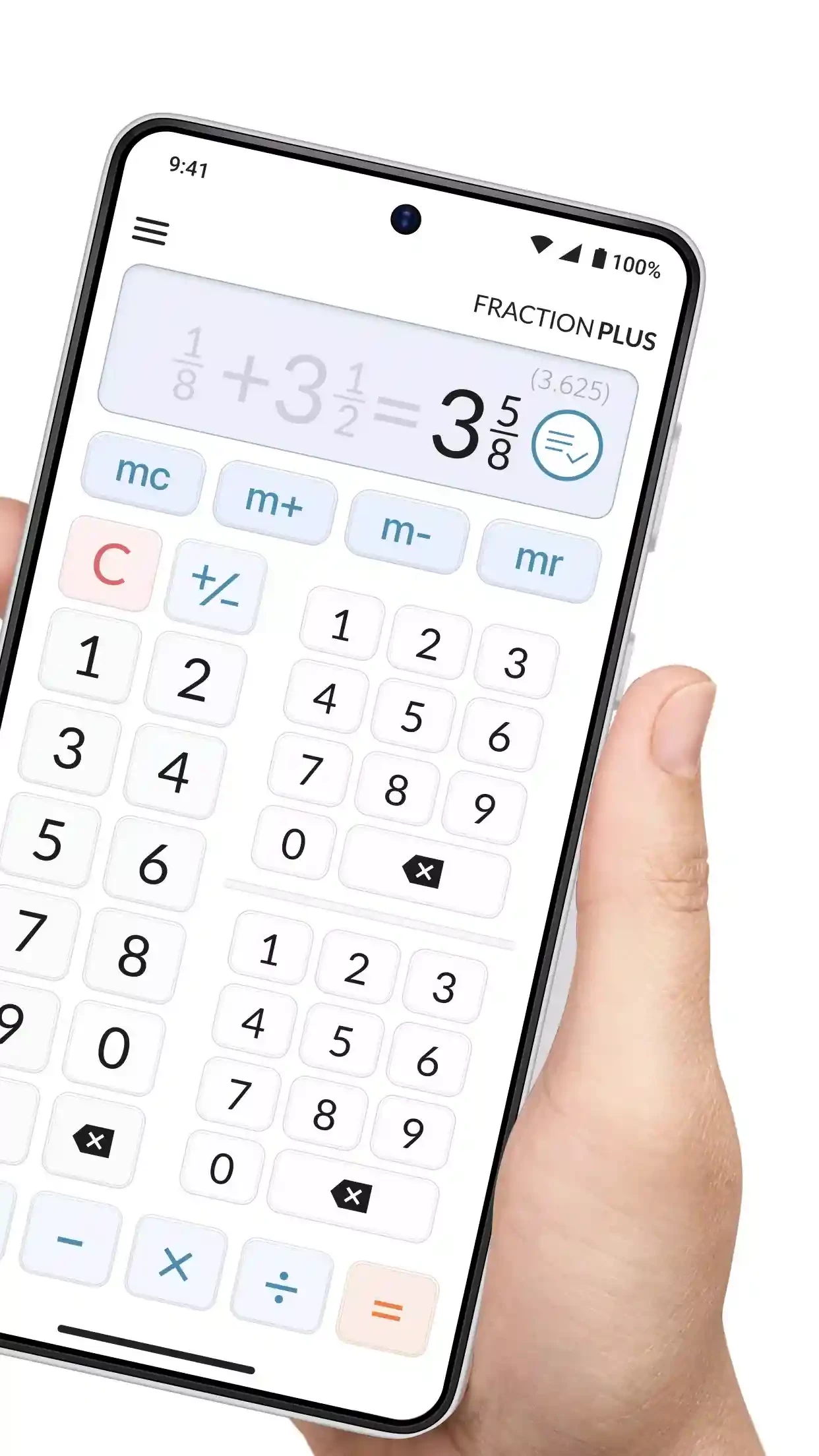
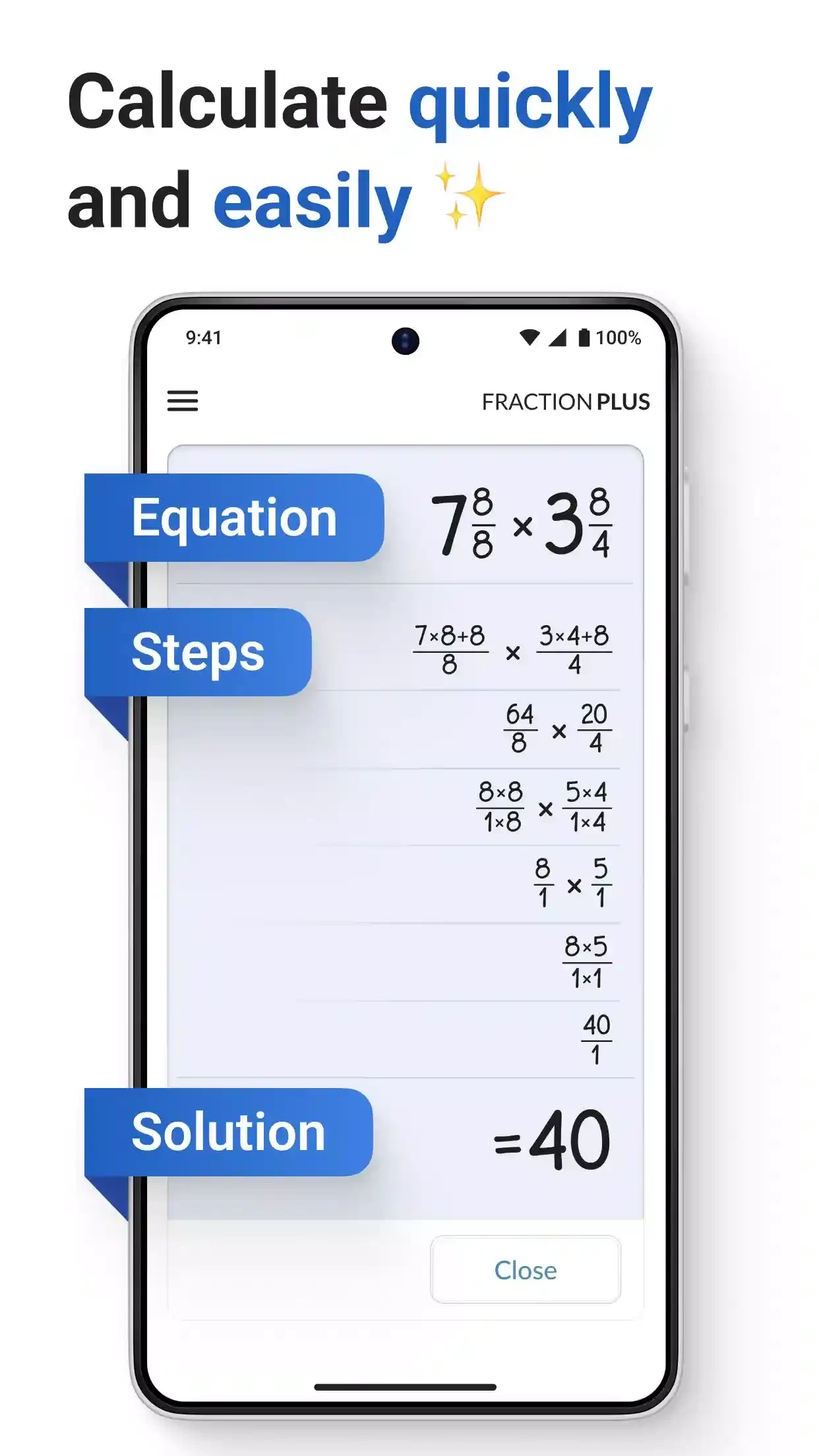
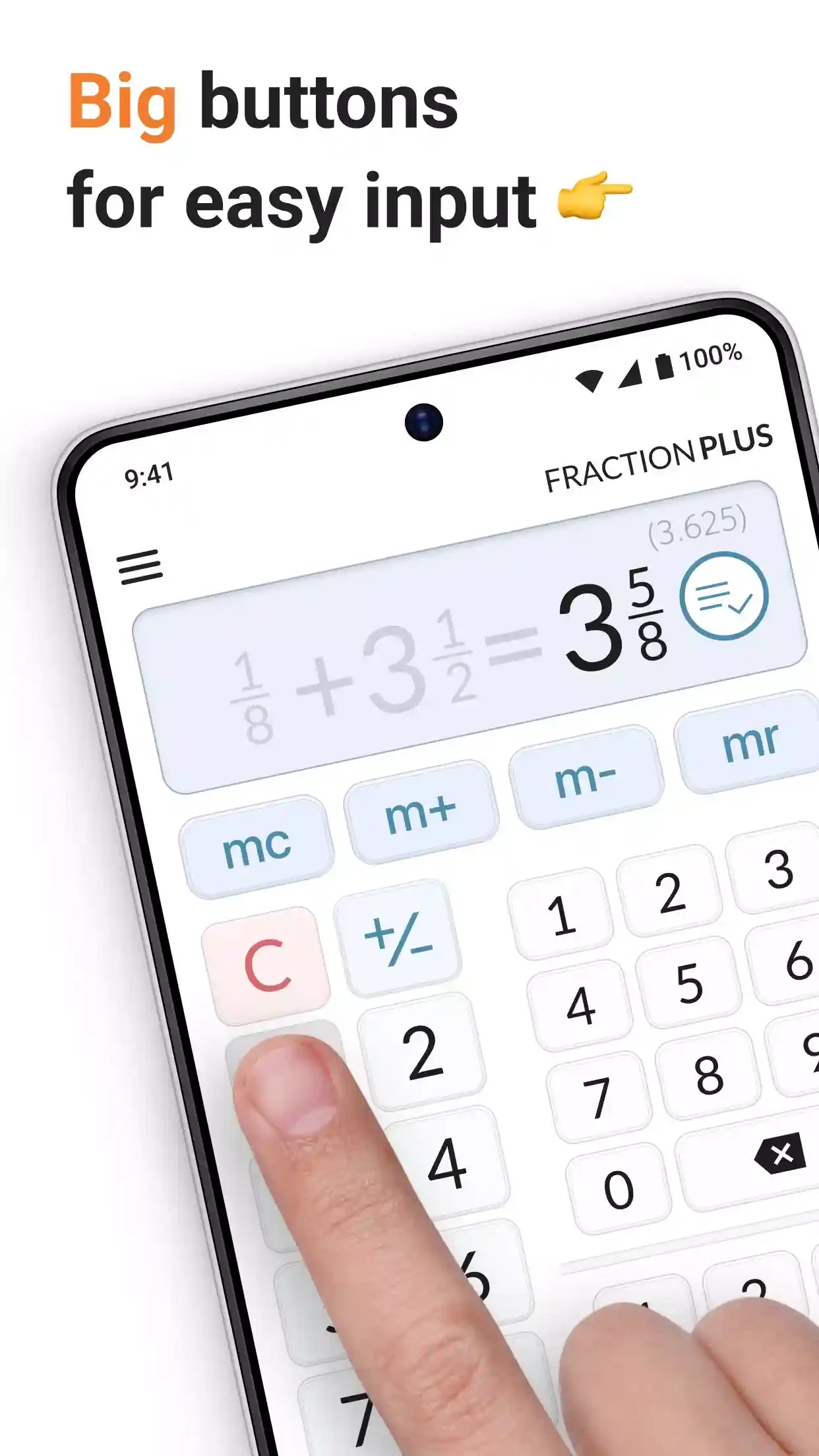
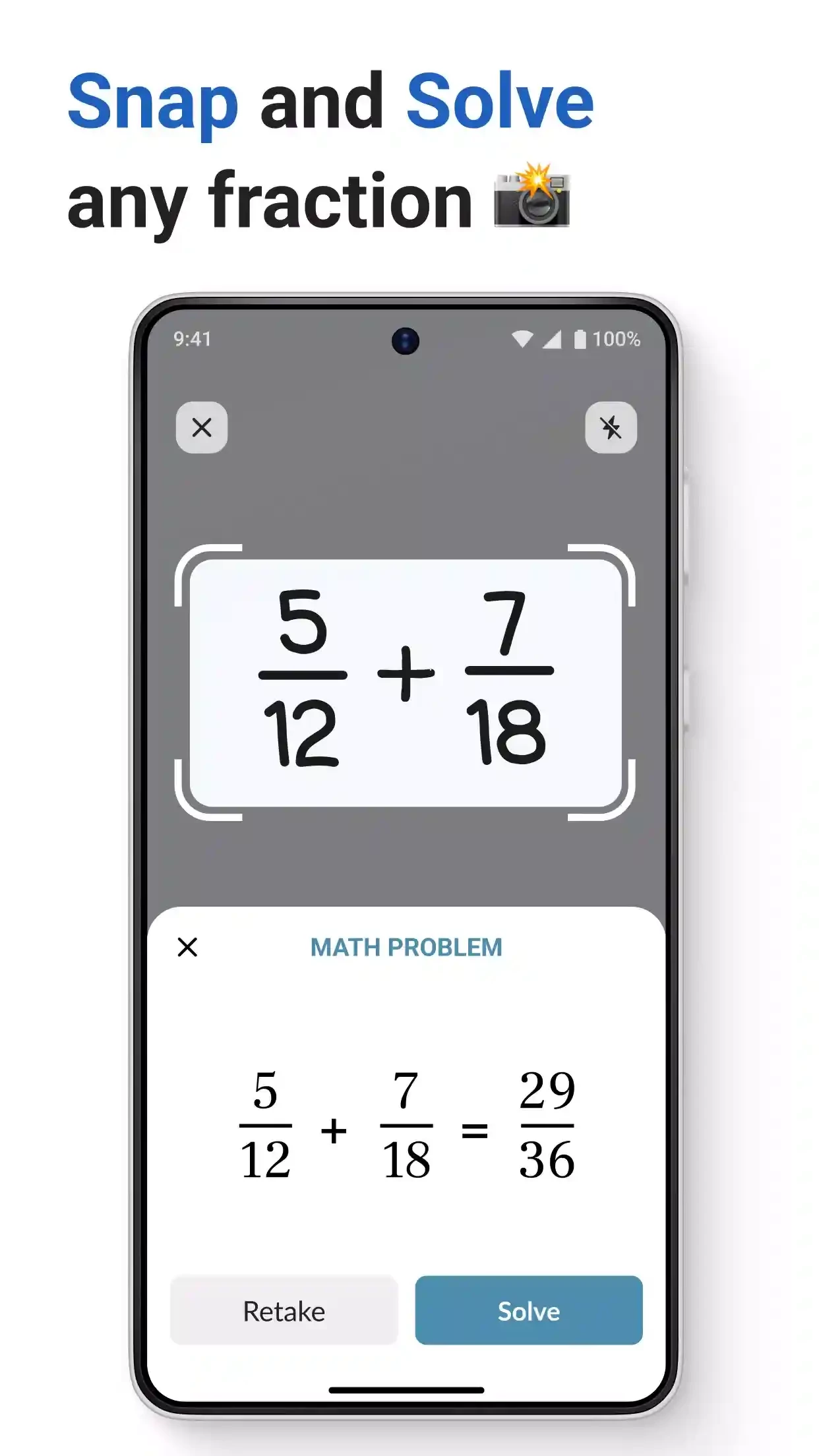
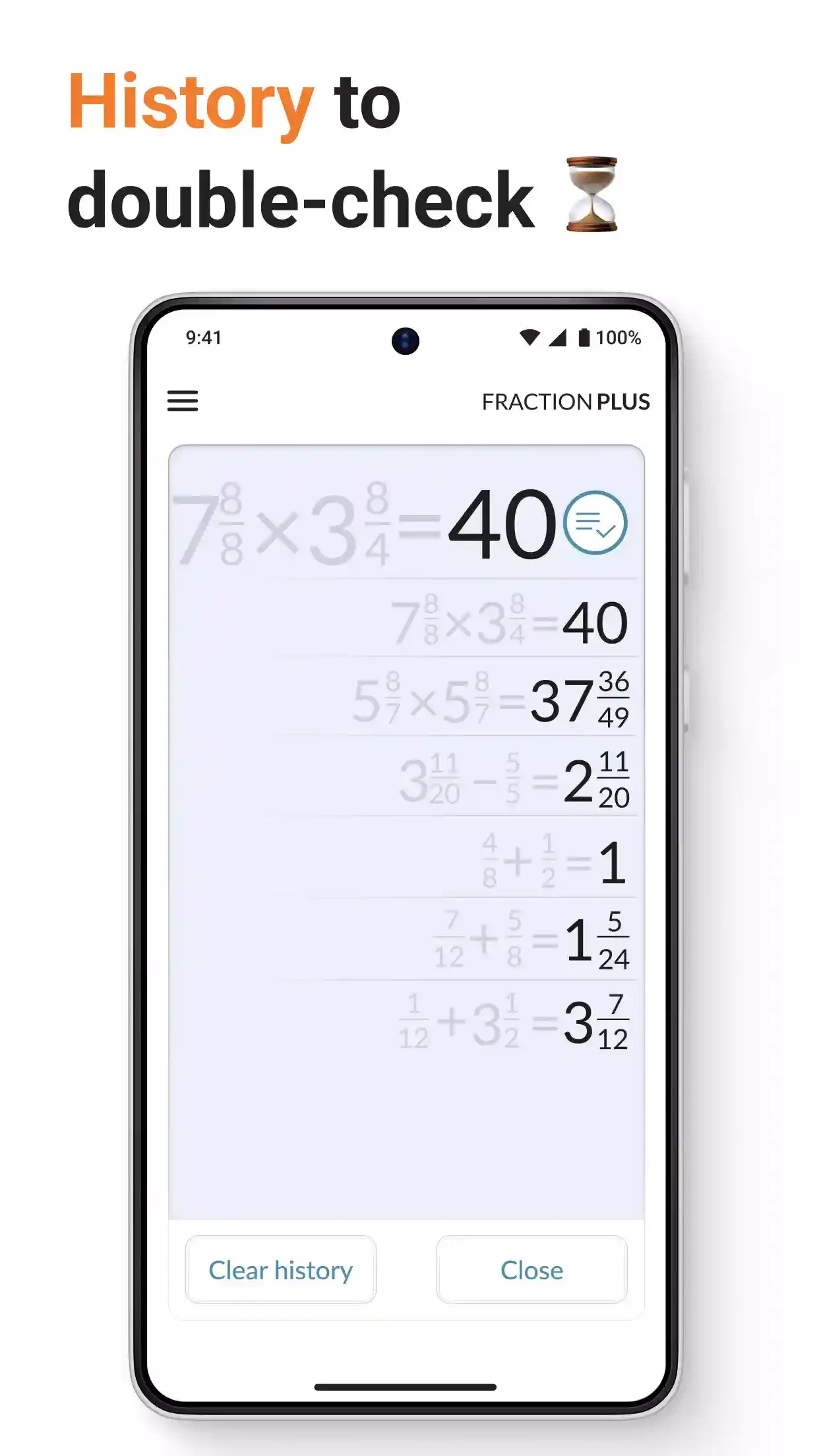
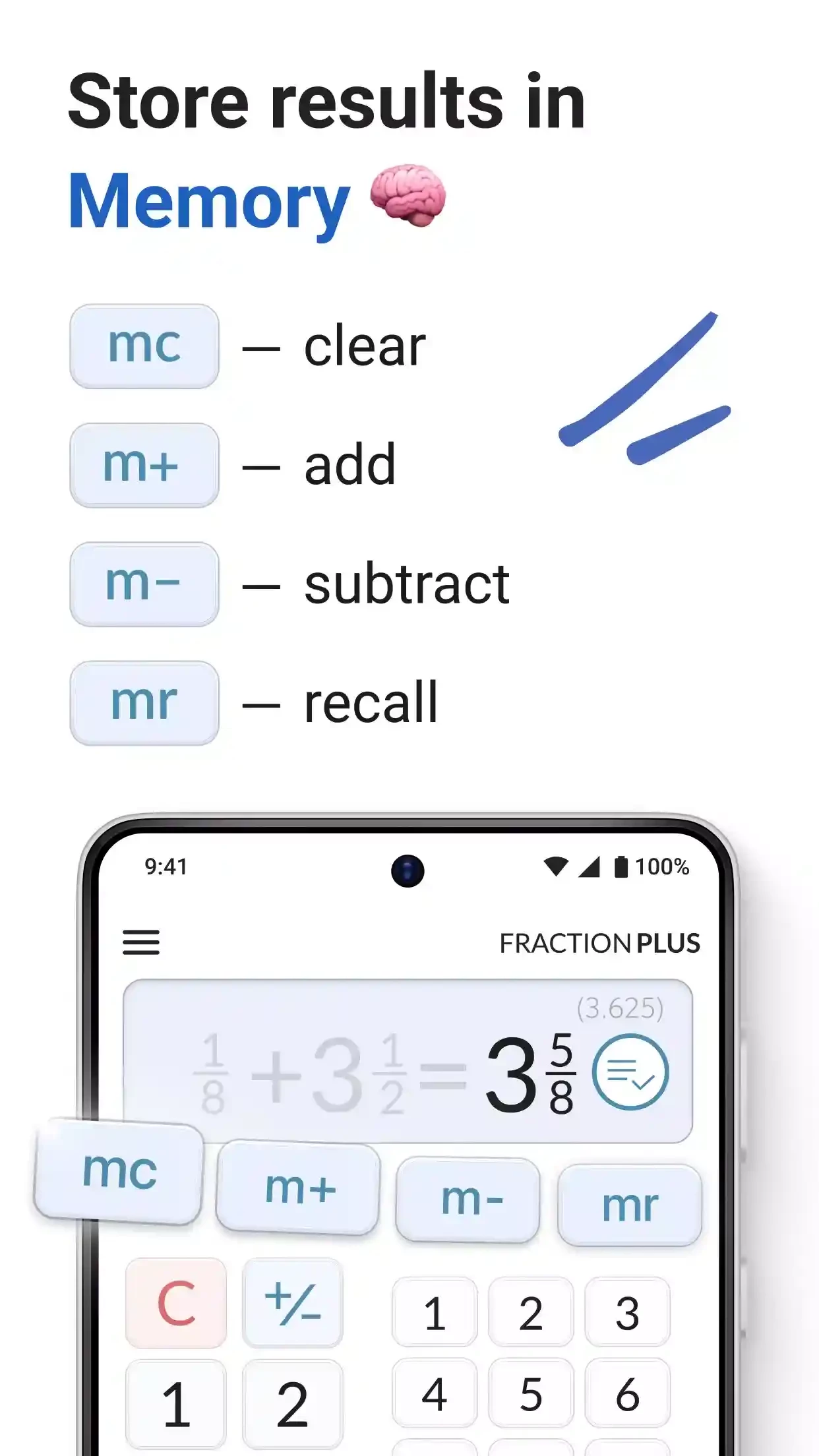
Fraction Calculator Plus 6.1.8 is a free Android app from Digitalchemy, LLC that works with fractions the way people write them on paper. You enter fractions and mixed numbers directly, and the app shows the result as a simplified fraction and as a decimal. You can download Fraction Calculator Plus for Android from Google Play.
An ordinary calculator turns every fraction into a decimal, which is exactly what you do not want when a recipe, a woodworking plan or a maths worksheet speaks in fractions. Converting back by hand is slow and error-prone. Fraction Calculator Plus keeps everything in fractions: two and three quarters plus one and five eighths gives a mixed number you can use right away. That is useful in the kitchen when scaling a recipe up or down, in the workshop and on building sites where measurements are given in inches and fractions, and for pupils and parents checking homework. Seeing the decimal equivalent next to the fraction also helps learners understand how the two relate. The app is deliberately simple: a keypad designed for fractions and a clear display.
Home cooks halving a family recipe, carpenters adding up board lengths, quilters working out fabric pieces, and pupils learning to add fractions with different denominators all benefit. Teachers can use it in class to check worked examples quickly, while parents can confirm an answer without redoing the whole exercise.
The free app is supported by advertising. A calculator needs no access to contacts, messages or location; review permissions and keep it that way. The developer's other apps are listed on digitalchemy.us.
For everyday and scientific calculations, our listings include Mi Calculator.
Google Play Store is Google's digital distribution platform for Android, used to find, install and update apps, games and books.

APKPure is a third-party app marketplace for Android that installs apps from APK files outside Google Play. This page covers version 3.20.7803.

Aptoide is an open-source alternative app store for Android, running since 2009. This page covers version 9.22.5.3.

QuickShortcutMaker is a small Android tool for creating home screen shortcuts to specific screens of installed apps, including hidden settings.